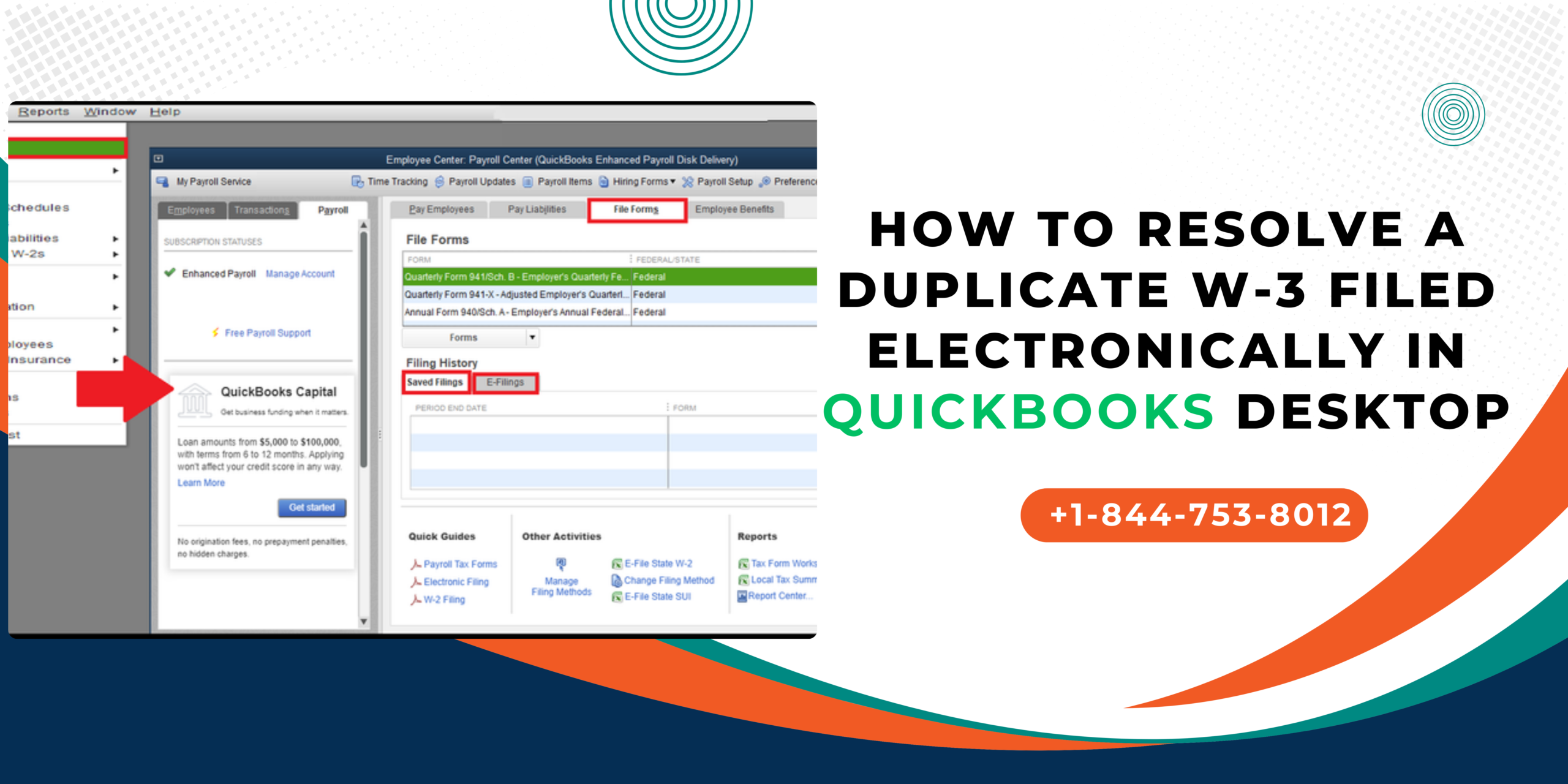
Filing payroll tax forms accurately is one of the most important tasks you’ll do as a business owner or payroll admin. However, mistakes like filing the same W‑3 form more than once can happen — especially during a busy year‑end process. Seeing a “duplicate W‑3 filed electronically” message from the Social Security Administration (SSA) can be confusing and stressful. But don’t worry — this guide will walk you through what it means and how to fix it properly in QuickBooks Desktop.
What Is a Duplicate W‑3 Filing?
A duplicate W‑3 means the same Form W‑3 (the Transmittal of Wage and Tax Statements) was submitted to the SSA more than once. This form totals all your W‑2 wage and tax data for a year — so submitting it twice can cause:
✔ Overreported wages
✔ Mismatched W‑2/W‑3 records
✔ SSA processing discrepancies
✔ Confusion with employee wage histories
This often happens when users aren’t sure whether the first submission went through, or if QuickBooks doesn’t update the filing status quickly
Also Read: How to Fix Duplicate W-2 Forms Filed Electronically in QuickBooks Desktop
Before You Do Anything: Don’t Re‑File the Regular W‑3
If the SSA already received the first W‑3, resubmitting the same form won’t fix the issue — it typically makes it worse. The SSA does not allow cancellation of a W‑3 once accepted.
Step‑By‑Step: Fix a Duplicate W‑3
Here’s how to resolve this issue properly:
1. Check the Filing Status on SSA Business Services Online (BSO)
Before making changes:
🔹 Log in to SSA Business Services Online (BSO)
🔹 Confirm how many W‑3s were received
🔹 Check whether wage totals were duplicated
This helps you confirm what the SSA has on file — which is the real record, regardless of what QuickBooks shows.
2. Identify If Wage Totals Are Incorrect
A duplicate W‑3 on the SSA side may inflate total wages. If that’s the case, you need to correct the wage totals — not resubmit the same data.
3. File Corrected Forms (W‑2c & W‑3c)
To correct the duplicate filing:
- Open QuickBooks Desktop
- Go to Employees > Payroll Tax Forms & W‑2s
- Choose Corrected Forms – W‑2c / W‑3c
- Enter the corrected totals for affected employees
- Review carefully and submit the corrections
Using W‑2c and W‑3c (corrected versions) is the official way to fix duplicated wage totals with the SSA.
Key Tips to Avoid Future Duplicates
✔ Do not hit “Submit” multiple times if QuickBooks seems slow — check with SSA first.
✔ Assign only one payroll admin to file forms so duplicates don’t happen by mistake.
✔ Keep QuickBooks Desktop updated and save filing receipts for your records.
Need Help Fixing This Fast?
If you’re stuck, unsure how to prepare corrected forms, or your QuickBooks status isn’t updating, call for expert assistance at:
844‑753‑8012 — QuickBooks payroll support.
Fixing a duplicate W‑3 might feel overwhelming at first, but with the right steps, you can clean things up quickly and protect your business compliance. Stay patient, check the SSA records first, and use corrected forms instead of resubmitting the same data — that’s the key to resolving the issue properly.
FAQs – Duplicate W‑3 Filed
A: Not necessarily — if you fix the issue promptly using corrected forms.
A: It can cause mismatches in records — but issuing corrected W‑2c forms only when officially required helps avoid confusion.