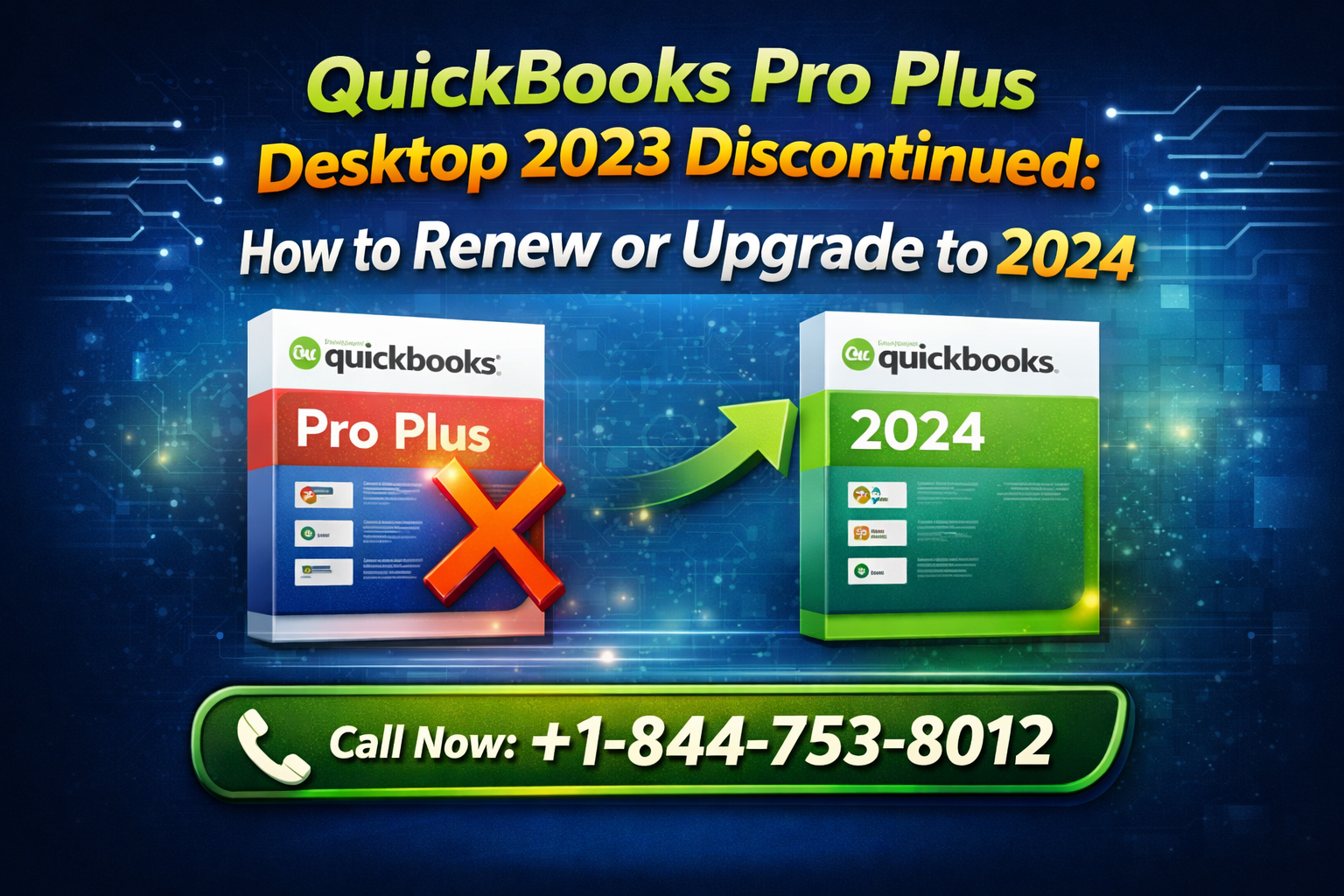
If you’re still using QuickBooks Pro Plus Desktop 2023, it’s time to pay attention. Intuit has officially moved forward with its product lifecycle updates, and many users are now facing the reality of QuickBooks Desktop 2023 discontinued status. This change affects your ability to receive updates, support, and essential services—making renewal or upgrade not just an option, but a necessity.
In this comprehensive guide, we’ll walk you through everything you need to know about QuickBooks Pro Plus Desktop 2023 renewal, how to upgrade QuickBooks Desktop 2024, what’s new in 2024, and how to ensure a smooth transition. Whether you’re a small business owner, accountant, or bookkeeper, this blog will help you make the right decision before deadlines hit.
Understanding the Discontinuation of QuickBooks Desktop 2023
Every year, Intuit follows a lifecycle policy for its desktop products. Typically, each version is supported for about three years. With that timeline, QuickBooks Desktop 2023 discontinued status means:
- No more security updates
- No access to live technical support
- Discontinued services like:
- Payroll processing
- Online banking (bank feeds)
- Payments integration
This is critical because continuing to use unsupported software can lead to data vulnerabilities, compliance risks, and workflow interruptions.
Also Read: How To Fixing Quote to Invoice Mapping Issues in QuickBooks Desktop
Why You Must Renew QuickBooks Subscription Before Deadline
If you’re on a subscription plan, your software doesn’t just “stop” immediately—but once your subscription expires, access becomes restricted.
Here’s why you should renew QuickBooks subscription before deadline:
- Avoid Downtime
Losing access to financial data can disrupt your entire operation. - Maintain Compliance
Tax calculations and payroll updates depend on current software. - Ensure Data Security
Unsupported versions are more vulnerable to cyber threats. - Keep Integrations Active
Apps connected to QuickBooks may stop working.
QuickBooks Pro Plus Desktop 2023 Renewal: Step-by-Step Guide
Renewing your subscription is straightforward if done correctly. Here’s a complete QuickBooks subscription renewal guide:
Step 1: Log into CAMPs Portal
Go to the QuickBooks CAMPs portal (Customer Account Management Portal).
- Use your Intuit credentials
- Navigate to your active subscriptions
Step 2: Check Subscription Status
- Look for your QuickBooks Desktop 2023 license
- Check renewal date and billing details
Step 3: Select Renewal Option
- Choose to renew your existing plan
- Or upgrade to a newer version
Step 4: Confirm Payment
- Update billing information
- Complete payment securely
Step 5: Verify Activation
- Open QuickBooks
- Confirm your subscription is active
Read: How to Fix Missing 940 or W-2 in QuickBooks Online Payroll
Upgrade QuickBooks Desktop 2024: Why It’s a Smart Move
Instead of just renewing, many users prefer to upgrade QuickBooks Desktop 2024 for better performance and features.
Key Benefits:
- Improved speed and reliability
- Enhanced reporting tools
- Better security protocols
- Ongoing support and updates
Upgrading ensures you’re future-proofing your accounting system.
QuickBooks Pro Plus 2024 Features
Let’s explore what makes QuickBooks Pro Plus 2024 features worth the upgrade:
1. Advanced Reporting Enhancements
- Customizable reports
- Faster data processing
- Improved financial insights
2. Stronger Security
- Multi-factor authentication
- Better data encryption
3. Performance Boost
- Faster file loading
- Reduced lag during heavy operations
4. Automation Improvements
- Automated payment reminders
- Smarter invoice tracking
5. Payroll & Tax Updates
- Updated tax tables
- Compliance-ready calculations
QuickBooks 2023 vs 2024: What’s the Difference?
Here’s a quick comparison to help you decide:
| Feature | QuickBooks 2023 | QuickBooks 2024 |
|---|---|---|
| Support | Ending/Ended | Active |
| Security | Limited | Advanced |
| Speed | Standard | Improved |
| Reporting | Basic | Enhanced |
| Payroll Updates | Discontinued | Ongoing |
| Integrations | Limited | Fully supported |
Clearly, QuickBooks 2023 vs 2024 shows that upgrading is the better long-term solution.
How to Move QuickBooks 2023 to 2024
If you’re ready to move QuickBooks 2023 to 2024, follow these steps:
Step 1: Backup Your Data
- Go to File > Backup Company
- Save backup securely
Step 2: Install QuickBooks 2024
- Download from official source
- Install on your system
Step 3: Open Your Company File
- Launch QuickBooks 2024
- Open your existing file
Step 4: Update File Format
- QuickBooks will prompt you to upgrade the file
- Follow on-screen instructions
Step 5: Verify Data Integrity
- Run “Verify Data” utility
- Ensure everything migrated correctly
Common Issues During Upgrade (and Fixes)
Issue 1: File Compatibility Errors
Fix: Ensure QuickBooks 2023 is updated before upgrading
Issue 2: Missing Data
Fix: Restore from backup and retry
Issue 3: Installation Failure
Fix: Run installer as administrator
Issue 4: License Errors
Fix: Re-enter license details or contact support
Also Read: How To Fix Slow Launch Times in QuickBooks Desktop: Tips for Windows 11
Need Help? Expert Assistance Available
Upgrading or renewing can sometimes feel overwhelming, especially if you manage complex financial data. If you need step-by-step assistance, troubleshooting, or expert guidance, don’t hesitate to reach out.
👉 Call Now: 844-753-8012
Our QuickBooks specialists can help you:
- Renew your subscription
- Upgrade safely to 2024
- Fix installation or migration errors
- Optimize your QuickBooks setup
Best Practices for Smooth Transition
To ensure a hassle-free upgrade:
- ✅ Always create multiple backups
- ✅ Update your current version before upgrading
- ✅ Disable antivirus temporarily during install
- ✅ Check system requirements for 2024
- ✅ Train your team on new features
Planning Ahead: Don’t Wait Until It’s Too Late
Many users delay renewal or upgrade until they face issues—but that’s risky. Planning ahead ensures:
- No last-minute panic
- Seamless financial operations
- Better budgeting for software costs
Final Thoughts
The discontinuation of QuickBooks Desktop 2023 is a significant milestone, but it also presents an opportunity to upgrade your financial tools. Whether you choose QuickBooks Pro Plus Desktop 2023 renewal or decide to upgrade QuickBooks Desktop 2024, taking action now will save you time, stress, and potential financial disruptions.
With enhanced features, improved security, and ongoing support, QuickBooks 2024 is clearly the better choice for businesses aiming to stay efficient and compliant.
Take Action Today
Don’t risk losing access to your financial data or critical features.
👉 Call 844-753-8012 now to renew or upgrade your QuickBooks and get expert help instantly.
Frequently Asked Questions (FAQs)
Yes, QuickBooks Desktop 2023 discontinued status means Intuit has ended support for this version. This includes security updates, payroll services, and live technical support.
You can complete your QuickBooks Pro Plus Desktop 2023 renewal through the QuickBooks CAMPs portal by logging into your account, selecting your subscription, and renewing before the deadline.
If you don’t renew QuickBooks subscription before deadline, you may lose access to:
1. Payroll services
2. Bank feeds
3. Online integrations
4. Technical support
While renewal is possible, it is highly recommended to upgrade QuickBooks Desktop 2024 for better security, performance, and continued support.
The QuickBooks CAMPs portal is an account management system where users can manage subscriptions, renew licenses, and update billing details.